


Capture your Android screen effortlessly with AZ Screen Recorder, a powerful tool that requires no root access. This application enables users to create high-quality video recordings of their device’s display, perfect for creating tutorials, preserving gameplay highlights, or sharing memorable moments. Content creators, gamers, educators, and anyone needing reliable screen recording will find this app particularly valuable for their daily tasks.
Smooth High-Quality Recording
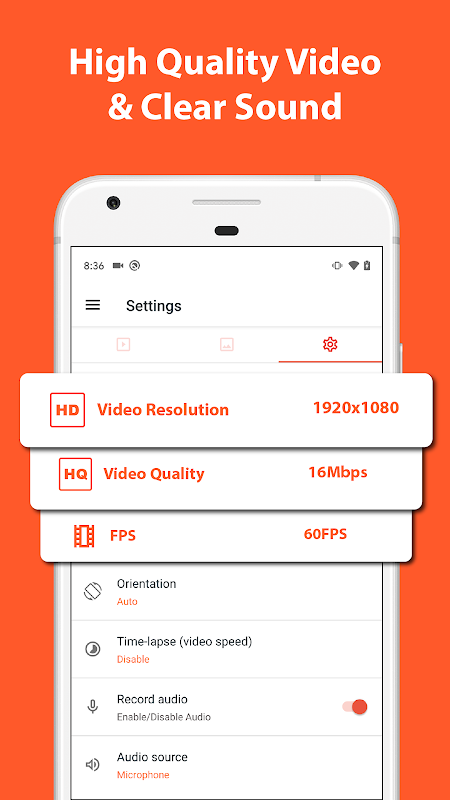
The app delivers crisp 1080p or 720p video recording at smooth frame rates, ensuring your captured content looks professional and clear. You can record at various resolutions and bitrates to balance quality and file size according to your needs. Background recording continues seamlessly even when switching to other applications.
Intuitive One-Touch Control
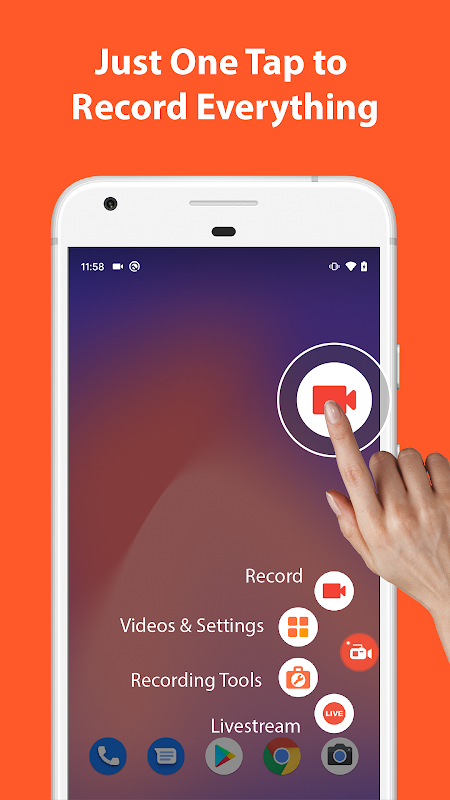
Starting and stopping recordings requires just a single tap thanks to the floating widget that remains accessible over other apps. The clean interface eliminates any learning curve, letting you focus on your content rather than complicated settings. All controls are conveniently accessible without interrupting your recording session.
Live Drawing and Annotation
Transform your recordings into engaging presentations with real-time drawing tools that appear directly on your screen. Use different colors and brush sizes to highlight important elements or explain complex concepts as you record. This feature adds tremendous value for educators and tutorial creators who need to emphasize specific points.
Front Camera Picture-in-Picture
Combine screen recording with your reactions by enabling the front camera overlay in a movable, resizable window. This picture-in-picture capability lets viewers see your facial expressions alongside the screen content, ideal for gameplay commentary or software demonstrations. You can adjust the camera window size and position to avoid covering crucial screen elements.
Built-in Video Editor
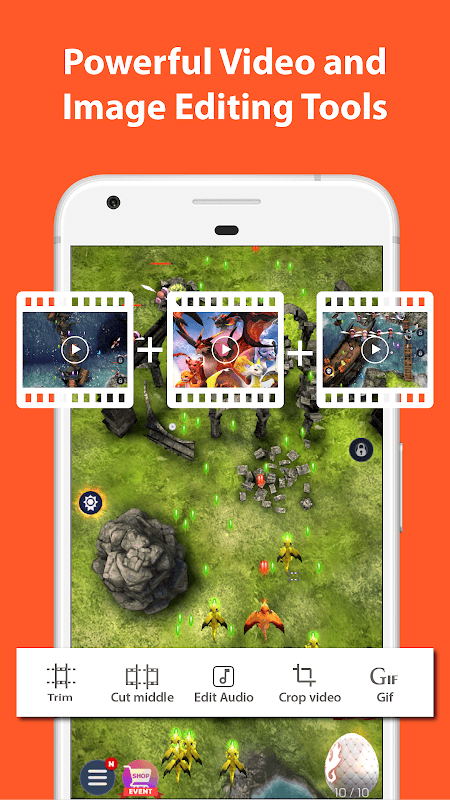
Trim unwanted sections and extract perfect screenshots directly from your recordings without needing separate applications. The editing tools allow quick refinement of your videos before sharing, saving time in your workflow. These essential editing functions help polish your content efficiently.
No Root Access Required
The application functions fully without requiring rooted device permissions, making it accessible to all Android users. It operates reliably across most Android versions and device manufacturers. This eliminates technical barriers that often prevent users from utilizing screen recording capabilities.
Frequently Asked Questions
The free version may include a small watermark, while the premium version offers watermark-free recording along with additional advanced features for enhanced creation capabilities.
Internal audio recording is available on compatible Android devices, though this feature’s availability depends on your specific device model and operating system version.
The app supports extended recording sessions limited only by your device’s available storage space, allowing you to capture lengthy tutorials, gameplay sessions, or presentations without interruption.